Description: #
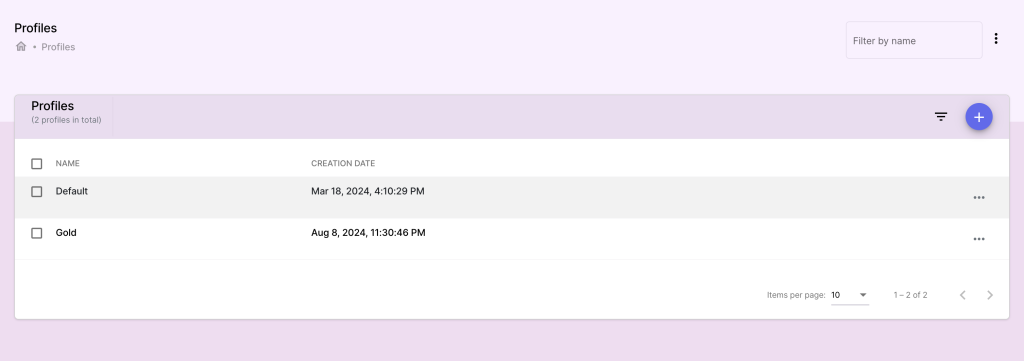
In this section, you can manage pricing profiles. This helps with making a product to have different prices based on the assigned profile. Profiles can represent various customer categories or pricing strategies (e.g., wholesale vs. retail).
Actions: #
Creating a Pricing Profile:
- Go to the Profiles section and click Add Profile.
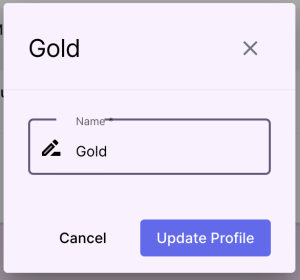
- Enter profile details such as:
- Profile Name: (e.g., Retail, Wholesale).
- Click Save to create the profile.
Managing Profiles
- Edit or delete profiles as needed