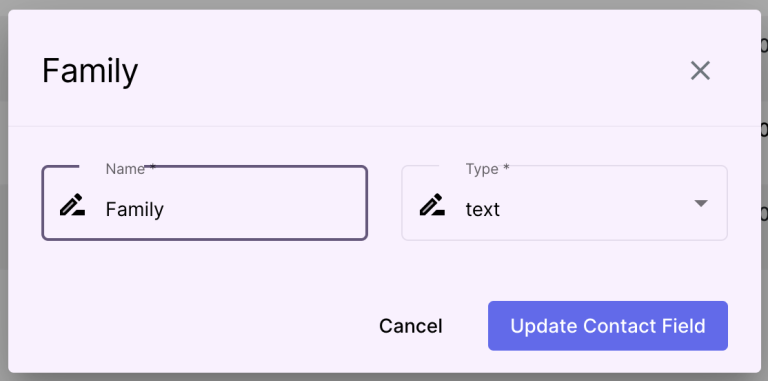
Description: #
The Contacts Fields section allows you to define and manage the fields used to store information about your subscribers. These fields can be customized based on the information you need to collect, such as contact details, preferences, and behavioral data.
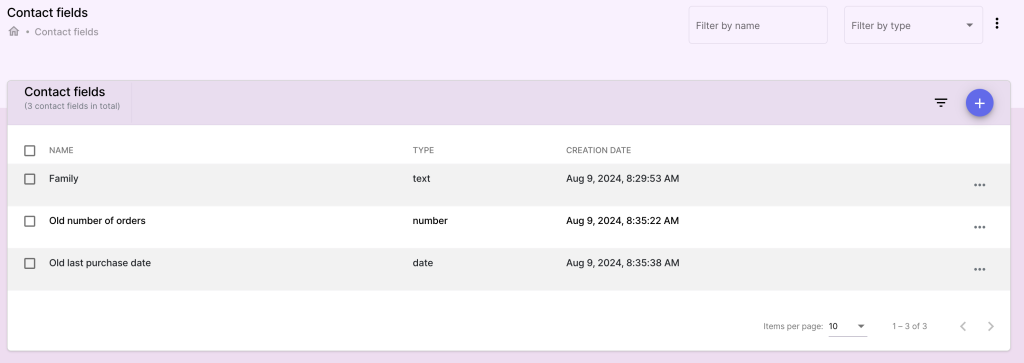
Actions: #
Creating and Managing Contact Fields #
Access the Contacts Fields Section:
- Navigate to the Contacts Fields section from the Subscribers Management menu.
Add a New Contact Field:
- Click on Add Contact Field to create a new field.
- Field Name: Enter a descriptive name for the field (e.g., Birthday, Phone Number, Preferred Language).
- Field Type: Select the type of data for this field (e.g., text, date, number, dropdown).
Customize Contact Fields:
- Default Value: (Optional) Set a default value for the field.
- Required Field: Indicate whether this field is mandatory for all subscribers.
- Click Save to create the new contact field.
Edit or Delete Contact Fields:
- To modify an existing field, click on it, make changes, and click Save.
- To delete a contact field, click Delete and confirm the action.
Note: Removing a contact field will delete the data associated with that field for all subscribers.