Description: #
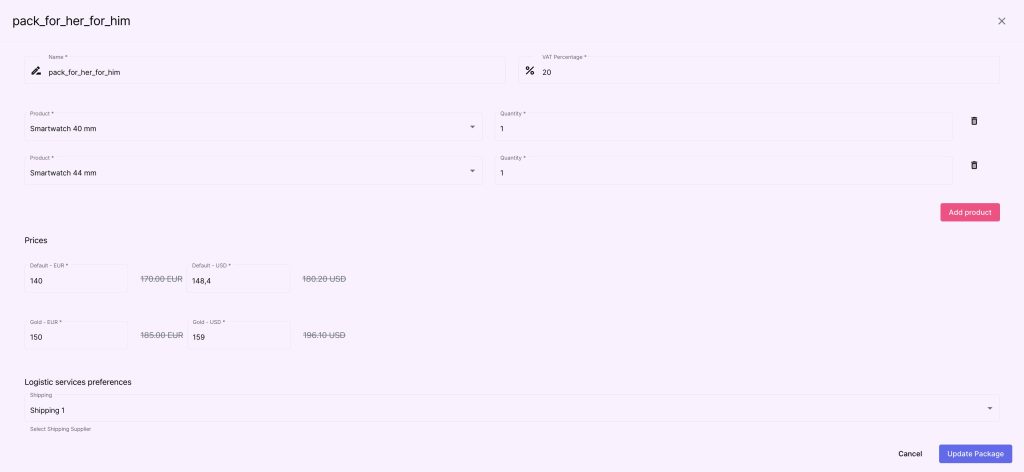
In this section, you can group products into packages. Packages are combinations of products that can be sold or marketed together.
Actions: #
Creating a New Package:
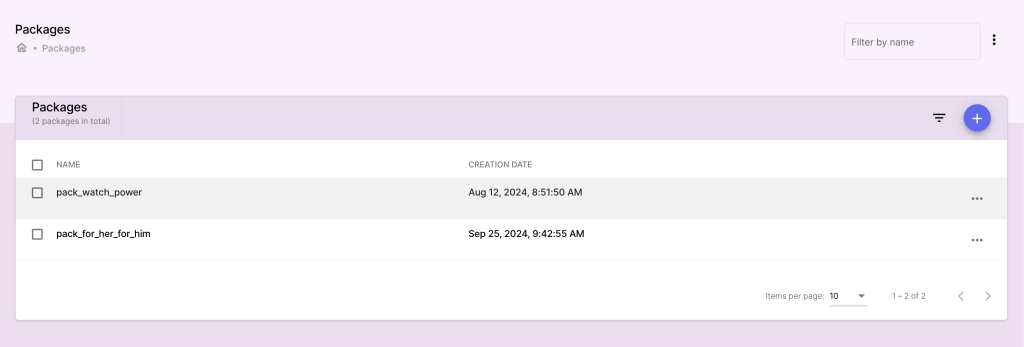
- Go to the Packages section and click Add Package.
- Enter package details such as:
- Package Name: The name of the package (e.g., Holiday Gift Set).
- Package Description: A description of what is included.
- Click Add Products to Package to select products for this package and input the quantities.
- Save the package.
Editing or Removing Products in a Package:
- Select the package to edit and modify its contents as needed.
- Save changes to update the package.
Deleting a Package:
- Select the package to delete.
- Confirm the action to remove the package.