Description: #
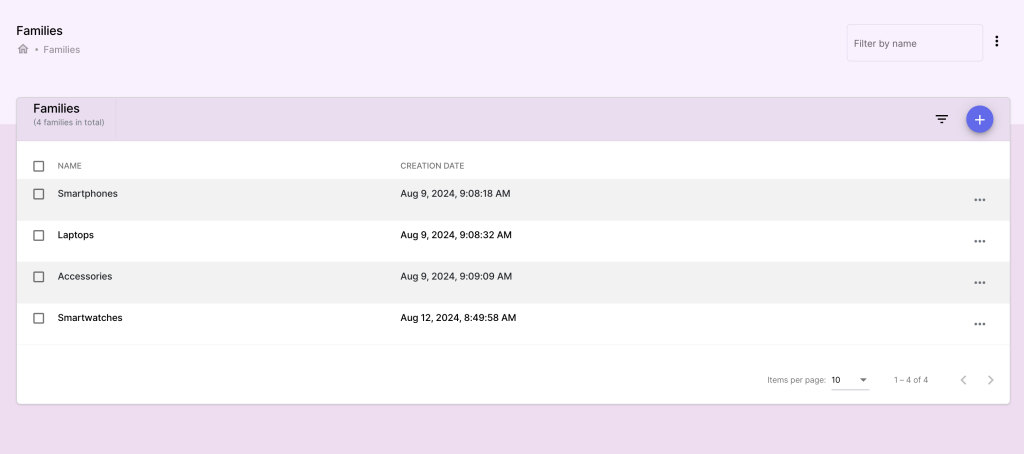
In this section, you can manage product families. This helps with categorization, filtering, and reporting.
Actions: #
Creating a Product Family:
- Go to the Families section and click Add Family.
- Enter family details such as:
- Family Name: The category or group name (e.g., Electronics, Clothing).
- Click Save to create the family.
Managing Families
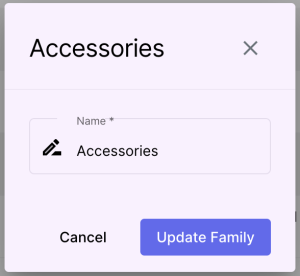
- Edit or delete families as needed.